
Adjunct-Per Course Appointment Letters
To accept or decline your Adjunct-Per Course Appointment(s), please log into the My Missouri State Experience portal to access the Workflow Card and click the “Access Worklist” link.
The Workflow card will look like this:
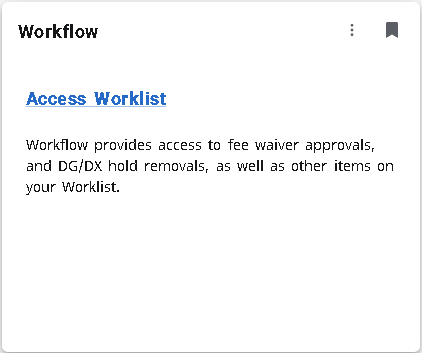
To find and save the Workflow Card on your homepage, please follow the directions below:
- Search for the card by clicking on the menu next to the MSU logo:

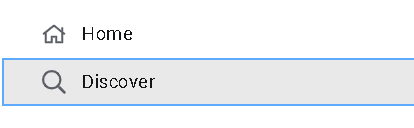
- Next, click on the Discover link:
- Enter the word “Workflow” in the Discover search box and select it. The Workflow Card
should appear:
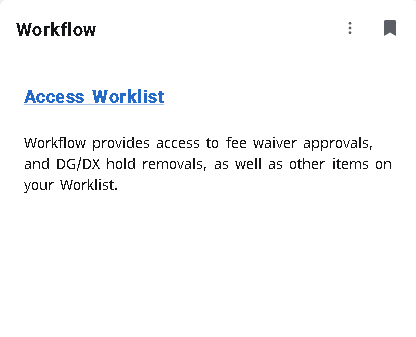
- Click on the small ribbon at the top right corner of the card to save it to your home
page. It will now be available on your home page for accessing future appointments.
- To find your Adjunct-Per Course appointment letter(s), click on the Access Worklist
link located on the card. Your appointment letter(s) will be saved there.
Please note: It takes 24 hours from the time you receive your Adjunct-Per Course appointment letter email for it to show in your “Access Worklist” portal.
Please email HRRecords@missouristate.edu if you have any questions.