
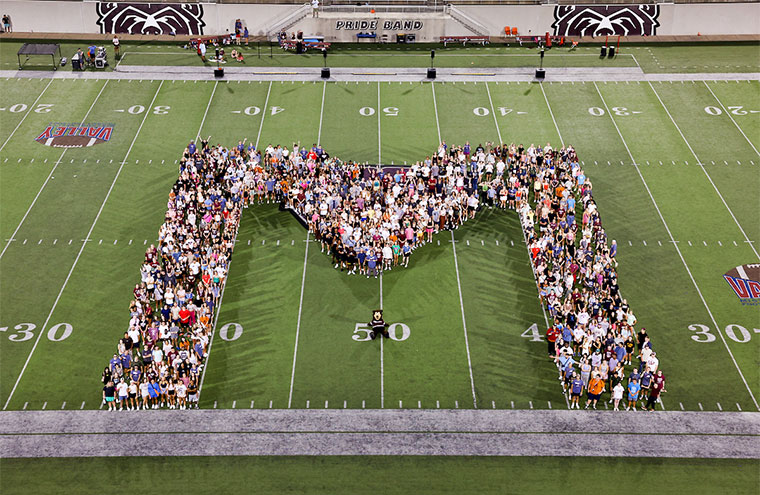
Preview life as a Bear
Want a closer look at Missouri State? Explore our online viewbook to learn about academic programs, getting involved on campus, how to pay for college and more.

Your statement starts with your academic choice. Immerse yourself in our outstanding
academics. Missouri State has dozens of well-established programs — or you may create
an individualized major just for you.

At Missouri State, we know you live in the real world — and so should your education.
You should have the chance to put your classroom learning into practice. That’s why
we believe in experiences: Internships. Networking. Educational trips. And so much
more.
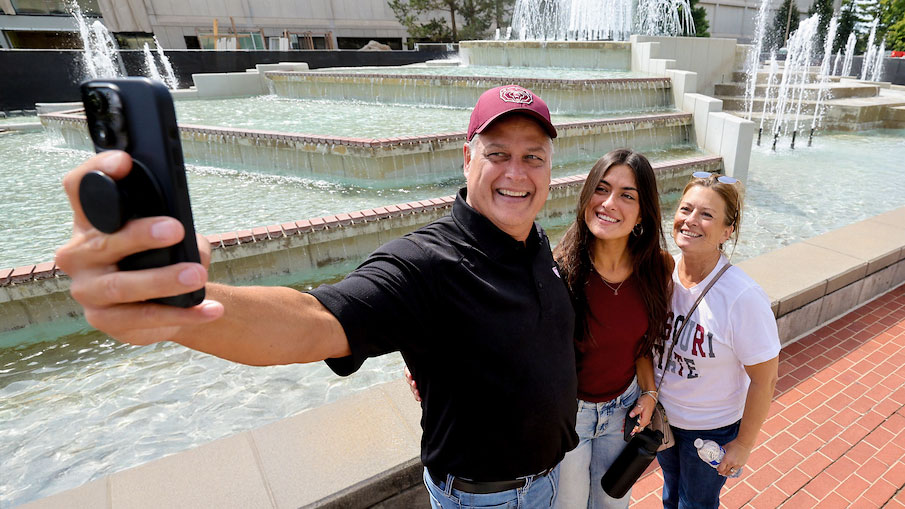
Mama Bear. Papa Bear. Grandma Bear. Grandpa Bear. Guardian Bear. Sibling Bear. You
all helped your student get to this point, and we won’t forget you as your Bear moves
through Missouri State.

Here, you’ll feel like you’re part of something bigger — because you are. Our traditions
combine fun, such as Homecoming, with meaning, such as a community engagement service
project. We’re friendly — some of the most common words Bears use to describe the
student body are passionate, engaged, positive, innovative, welcoming and awesome.

A growing business center. A town known for colleges — but so much more than a college
town. A developing city where you can expect great networking as you start a career.
Springfield is all this and more. What will it become to you?
You make your statement. We’ll help you build it.
At Missouri State, college is more than going to class. It’s about professors who
know your name, hands-on experiences that prepare you for what’s next, and a community
that wants to see you succeed. When you join Mo State, you’re also joining a network
of 130,000+ alumni who started their journey here and are now making their mark around
the world.

Find out what you should do, including accepting your admission, paying the enrollment
deposit, applying for housing and registering for SOAR.
Take a virtual tour
Choose what you want to see anytime and anywhere with our 360° views of campus. Go
inside our timeless academic buildings, distinct residence halls and can’t-miss landmarks.
- Location
- Carrington Hall 204
- Telephone
- 417-836-5517
- Toll free telephone
- 800-492-7900
- TTY
- 417-836-4770 (teletypewriter for hearing impaired)
- Relay Missouri
- 711 or 800-735-2966
- Fax
- 417-836-5137
- Admissions@MissouriState.edu
- Office hours
- Monday - Friday 8 a.m.-5 p.m.
- Address
- Missouri State University
Freshman Admission
901 South National Avenue
Springfield, MO 65897 - Website address
- MissouriState.edu/Admissions